AI Vocal Remover
Separate a playable My Songs track into exactly two MP3 320kbps outputs—Vocals and Instrumental. An active paid plan is required.
Select a Song
Choose a playable song from My Songs to create Vocals and Instrumental outputs.
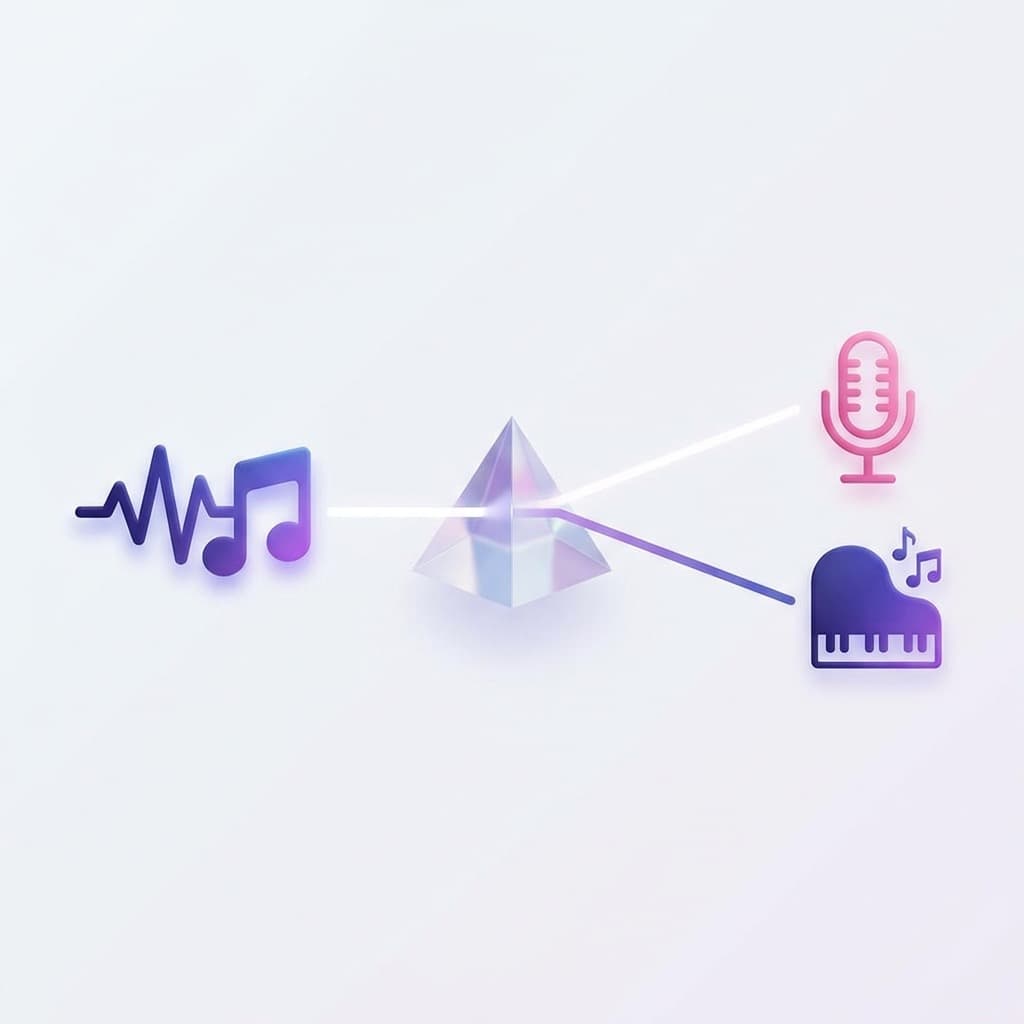
What Does This Vocal Remover Do?
This AI Vocal Remover separates a song with vocals into two audio files. It does not create extra instrument stems; it creates exactly: - Vocals - Instrumental Outputs are MP3 320kbps files. Separation quality can vary with mix complexity, overlapping instruments, and source audio clarity.

Separate Vocals and Instrumental from Music
Many tools claim to "remove" vocals by lowering volume or removing frequencies. This tool works differently. Select a playable song from My Songs and submit a separation task. When processing finishes, the two outputs appear in My Songs as Vocals and Instrumental. No manual editing or audio knowledge is required.
Choose the Right Tool
1. Vocal & Instrumental Separation
Get two MP3 320kbps outputs:
This mode is ideal for:
- • Karaoke
- • Covers
- • Background music
- • Practice and rehearsal
Need instrument-level control? Use Get Stems
For production work beyond a vocal and instrumental split, use the separate Get Stems flow.
Get Stems is better for:
- • Remix prep
- • Arrangement study
- • DAW editing
- • Practice mixes
- • Producer handoff
- • Stem-based experiments
Vocal Remover itself creates only Vocals and Instrumental.
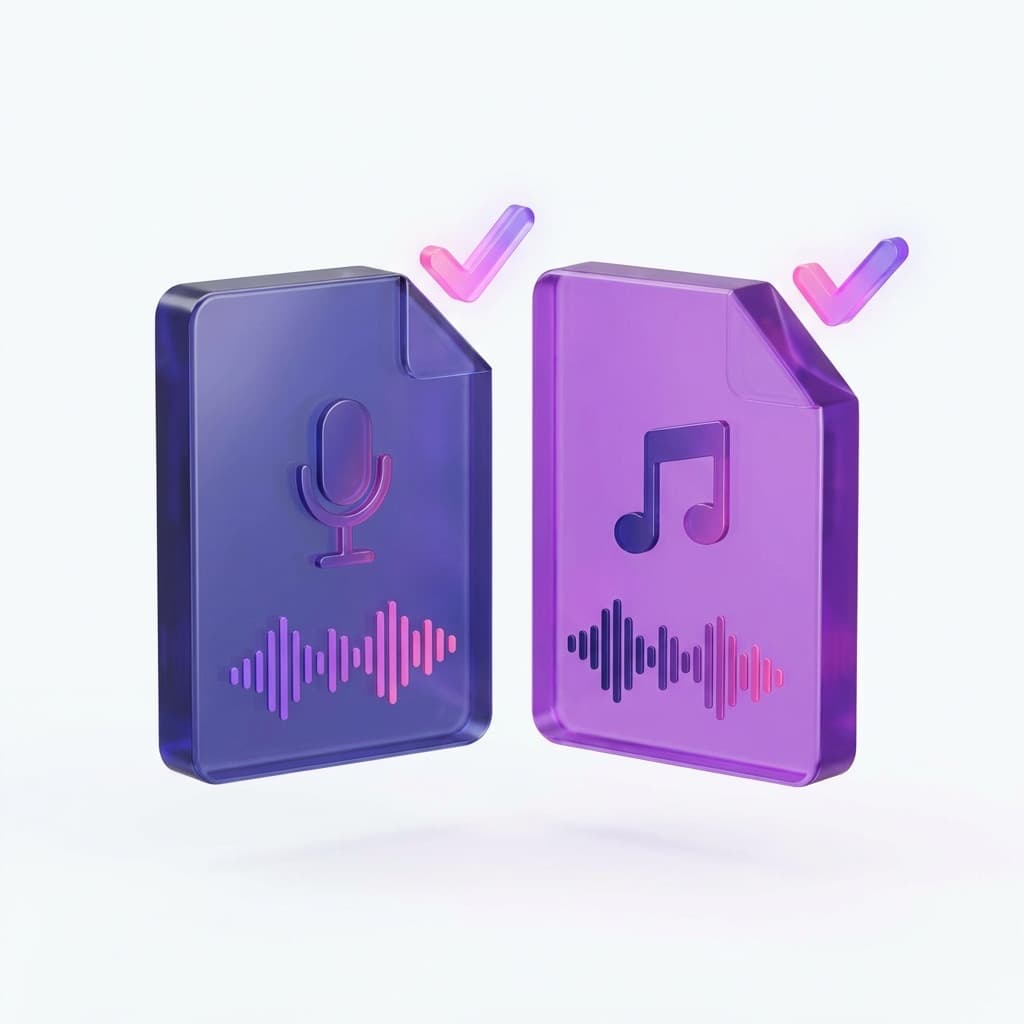
What Files Will You Get?
- •Vocals track
- •Instrumental track
- •MP3 320kbps files added to My Songs
Common Use Cases
Create karaoke versions of songs
Create karaoke-ready instrumental tracks from playable songs in your library for parties, events, or practice sessions.
Extract vocals for remixing or re-singing
Isolate vocal tracks to create remixes, mashups, or for re-recording new vocals over the original instrumental.
Prepare background music for videos or podcasts
Generate instrumental versions for videos, podcasts, or presentations after reviewing the separated result.
Practice singing or playing instruments
Separate Vocals and Instrumental to practice singing or playing along with a track.
Run separation without DAW software
Submit a separation task from the web app and review the finished outputs in My Songs.
Is This a Vocal Remover or a Vocal Splitter?
Both.
This tool is commonly called a vocal remover, but technically it works as an AI audio splitter. It creates two separated tracks: Vocals and Instrumental. Use Get Stems when you need deeper instrument-level production control.
Try Vocal Remover Now
Select a playable song from My Songs, submit the background task, and check My Songs when the two outputs are ready.
Submit Separation TaskGet Stems
Use Get Stems when you need deeper instrument-level separation for remixing and production.
Get StemsFrequently Asked Questions
This tool is commonly called a vocal remover, but technically it works as an AI audio splitter. It separates a song into Vocals and Instrumental instead of simply muting sounds.
Yes. It creates an Instrumental track without vocals. Review the result because separation quality can vary with the source mix.
Yes. The tool creates a Vocals track alongside the Instrumental output.
Yes. Vocal Remover creates two files: Vocals and Instrumental.
No. Vocal Remover creates a two-track split. Use the dedicated Get Stems tool when you need instrument-level stem separation.
No. Select a playable My Songs track, submit the background task, and review the completed outputs in My Songs.