Avoid YouTube Copyright Strikes With an AI Song Maker
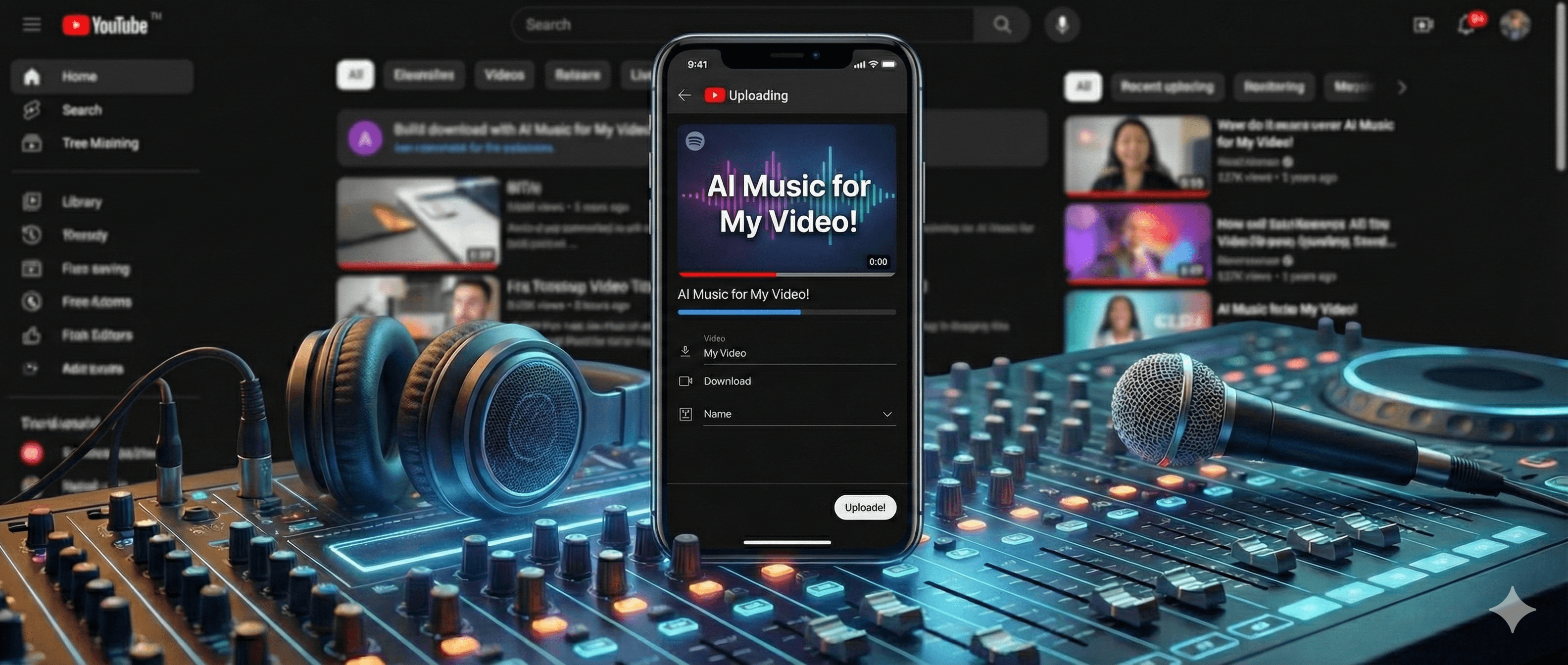
If you’ve been making YouTube videos for a while, chances are the copyright system has “taught you a lesson” at least once. You upload a video, and before it even gets a chance to breathe, Content ID flags it; revenue goes somewhere else; a video you spent hours on turns into free promotion for a random rights holder. Over the last decade, I’ve seen more channels get throttled by background music than by bad thumbnails or titles.
In this article, I’ll walk through how to use an AI song maker for YouTube in a way that actually helps you avoid copyright claims instead of triggering more of them. We’ll talk about where AI music fits, how YouTube thinks about copyright, common traps, and a practical workflow you can run using tools like the AI Song Generator and Text to Music features at Music Maker App.
Why Does YouTube Music Cause So Many Problems?
YouTube’s copyright system doesn’t care about your intentions. It only looks at three things:
-
Whether a piece of audio has been registered by a rights holder
-
How similar your audio is to something in its database
-
What the rights holder wants to do: block, share revenue, or allow it
That means:
-
If you use popular commercial tracks, you’re almost guaranteed to get flagged.
-
If you use an overused “royalty‑free” library track, you may collide with other videos and look suspiciously similar to them.
-
Even if you did pay for a license, messy documentation can leave you arguing with bots and forms for days.
In 2022, a mid-size gaming channel I worked with lost monetization on a 1.2 million‑view video because a “royalty‑free” background track from a popular site turned out to have overlapping registrations in Content ID. The dispute took 19 days to resolve and completely killed the momentum of that upload. That one incident changed how they—and I—think about music sources for YouTube.
This is why more YouTubers are quietly moving toward AI song makers:
-
You can generate a unique soundtrack for each video.
-
You’re not stuck with the same overused stock tracks everyone else is using.
-
On platforms with clear terms, your usage rights and ownership are often simpler than those on vague “free music” sites.
What Problem Does an AI Song Maker Actually Solve for YouTube Creators?
If we strip away the hype, AI song makers solve three very practical problems for YouTube creators:
-
Time – No more scrolling through music libraries for thirty minutes and still not finding the “right” track.
-
Control – You shape the vibe, pacing, and structure to match your video instead of forcing your edit around a random song.
-
Risk – On a platform with transparent licensing, you know what you can and can’t do with the track.
On subscription-based AI song maker platforms, including tools like Music Maker App, you can:
-
Use an AI Song Generator to create full background tracks from a short text description.
-
Use Text to Music to turn a description of your video’s mood and style into a custom instrumental.
-
Generate intros, outros, and transitions that feel like they belong to your channel, not to a stock library you share with thousands of other creators.
You’re no longer hunting for “something close enough.” You’re generating something that’s made for this video.
How I Build a YouTube-Ready Music Workflow with an AI Song Maker
Before I open any tool, I pause and ask one question:
What emotional job does this track need to do in this video?
Is it just quiet support so viewers can focus on your voice? Is it supposed to make the cold open feel bigger? Should it make a travel montage feel hopeful, or a gaming highlight reel feel intense?
Once that’s clear, the workflow looks like this.
1. Decide the Role of Music in the Video
Different video types need very different kinds of music:
-
Tutorials / reviews / interviews
- Music should be “present but not loud”: steady lo‑fi, light electronic, or soft rock that doesn’t compete with speech.
-
Vlogs / travel / lifestyle
- Music drives emotion and pacing, so chill, pop, or indie with gentle builds works well.
-
Gaming content
- The soundtrack needs to match the game’s tempo; action games often need tighter, more intense beats and clear drops.
-
Brand intros / outros
- You want hooks and memorable motifs that become “your sound.”
I like to write a one‑line brief for each video, such as:
“Low‑key, stable background that doesn’t distract from a technical tutorial, but keeps the silence from feeling awkward.”
That sentence becomes the starting point for my AI prompt.
2. Generate a Track with an AI Song Maker
Then I go to an AI song maker like Music Maker App and use the AI Song Generator or Text to Music feature with prompts that match that job:
-
“Chill lo-fi background track for a YouTube tutorial, soft drums, warm keys, no vocals, stable energy.”
-
“Uplifting pop track for a YouTube travel vlog, bright guitars, wide synths, light drums, no vocals.”
-
“Dark, intense trap beat for a gaming YouTube channel, heavy 808s, no vocals, loop-friendly structure.”
For talking‑heavy content, I strongly recommend generating instrumental‑only tracks (no vocals). You don’t want the music competing with your voice.
I usually generate two or three options, drop them under a rough cut of the video, and see which one actually matches the pacing. The point is not to find “the perfect song” on the first try, but to quickly shortlist one or two that feel like they belong under your footage.
3. Match the Music to the Structure of the Edit
Only after I’ve picked a candidate track do I start trimming and looping sections to fit the edit.
Instead of dragging the entire song under the whole video and calling it done, I:
-
Let the first 10–20 seconds of music be slightly more noticeable to set the tone.
-
Lower the volume or use calmer sections when I dive into dense explanations or technical breakdowns.
-
Use more energetic moments of the track for transitions, B‑roll montages, or calls to action.
If the AI generates a 3–4 minute track:
-
I cut out overly dramatic peaks that fight against my narration.
-
I keep intros and outros for channel branding moments.
-
If there’s a particularly nice 8‑bar section, I loop it to create a steady background bed.
The order matters: idea → prompt → generation → editing—not the other way around.
Can AI Music Trigger Copyright Strikes on YouTube?
A lot of creators assume that if a track is labeled “royalty‑free” or “AI‑generated,” YouTube will simply ignore it. That’s not how Content ID works.
Content ID only cares whether the audio matches something in its database and how the associated rights holders have told YouTube to react. If your AI‑generated track is too close to a registered song, or if the platform you used has conflicting registrations, you can still see claims.
However, when you generate music on platforms that provide clear, documented licensing for subscribers, you’re stacking the odds in your favor:
-
You know who is granting the usage rights.
-
You know what you’re allowed to do with the track.
-
You can prove that you didn’t grab a random, unlicensed song from the internet.
That doesn’t guarantee YouTube will never misfire, but it gives you a much better story to tell when it does.
Copyright Claim vs Strike on YouTube: Why It Matters for AI Music
Many creators mix up copyright claims and strikes, but YouTube treats them very differently.
-
A copyright claim usually means someone else is trying to monetize or restrict a specific video because of the audio. It can affect ad revenue on that video, but it doesn’t automatically endanger your channel.
-
A copyright strike is much more serious: it’s a formal penalty against your entire channel. Three active strikes within 90 days can lead to termination.
Most AI music issues, when they happen, show up as claims triggered by Content ID matches, not strikes. That distinction matters because it changes how urgent the situation is and how you respond. You still want to avoid claims—but it’s important to know you’re not one AI track away from instant channel deletion.
Can You Monetize AI-Generated Music on YouTube?
Yes, you can monetize videos that use AI‑generated music, as long as:
-
You have clear rights from the platform you used.
-
The track itself is not infringing on someone else’s registered work.
-
You comply with YouTube’s broader monetization policies.
YouTube’s systems care about ownership and licensing, not whether the song came from a human or a model. Channels using AI music at scale today are monetizing just fine—as long as they can back up where that music came from and what they’re allowed to do with it.
How YouTube Sees AI Song Makers: Source Quality vs. “AI or Not”
From YouTube’s perspective, the key questions are:
-
Is this audio already registered in Content ID by someone else?
-
If yes, what rules did that rights holder set for matches?
-
If no, can the uploader prove they have the right to use and monetize it?
On platforms like Music Maker App, any song generated under an active paid subscription typically comes with permanent commercial usage rights for that subscriber, according to the platform’s current terms. That means you can keep using and monetizing the track on YouTube even after your subscription ends—but it’s still smart to save a copy of those terms when you start using the service.
In practice, I recommend keeping a simple “music log” for your channel:
-
Which video used which AI‑generated track
-
The generation date
-
The account or subscription that generated it
-
A note or link to the relevant licensing terms at the time
If a Content ID claim shows up, you’re not scrambling. You can point to a clear, documented source and a set of terms backing you up.
What Happens If Content ID Flags Your AI Music?
When Content ID flags your video, you’ll typically see one of three outcomes:
-
Monetization redirected – Ad revenue for that video goes to the claimed rights holder.
-
View restrictions – The video is blocked or limited in certain regions or platforms.
-
No major impact – The claim is informational, or the rights holder allows usage without blocking or monetization changes.
If you know your track came from a reputable AI song maker with clear commercial terms, and you’re confident you’re not mimicking any specific copyrighted work, you have a few reasonable options:
-
Review the claim details and see which track triggered it.
-
Check your music log and licensing terms.
-
If the claim looks incorrect, use YouTube’s dispute process and clearly state that the music was generated under a valid license from a named platform.
I’ve seen creators successfully overturn mistaken claims when they can show: “I generated this track on [date], under [plan], from [platform]. Here are the terms that grant me commercial usage.” It’s not instant, but it’s a world better than “I downloaded it from somewhere that said ‘free.’”
How to Reduce False Positives with AI Music
Even if you’re fully within your rights, algorithms still make mistakes. You can’t control YouTube’s code, but you can make its job easier and lower your odds of drama.
A few habits I push creators to adopt:
-
Avoid prompts that mimic specific songs or artists
-
Don’t write: “make it sound exactly like [famous song or artist].”
-
Stick to genres, moods, and general descriptors instead of direct imitation.
-
-
Use unique tracks for important videos whenever possible
-
If a video really matters to your channel, don’t recycle a track you’ve already used across dozens of uploads.
-
Repetition at scale can look odd, and it’s bad for your brand sound anyway.
-
-
Save licensing terms and screenshots
- Platforms update their sites. You don’t want to depend on a page that changed after you generated your music.
-
Test risky setups on a smaller upload
- If you’re paranoid about a new type of track or a more aggressive style, upload an unlisted test video first and see if any claims appear.
I can’t promise YouTube will never misfire on a claim, but this setup gives you a much cleaner story and better evidence when you have to push back.
AI Song Maker vs YouTube Audio Library vs Stock Music
From a strategy standpoint, I usually compare your options like this.
YouTube Audio Library
Pros
-
Built into the platform
-
Simple, well-documented usage rules
Cons
-
Limited selection; the better tracks are heavily overused
-
Hard to build a unique sonic identity when thousands of channels share the same songs
Traditional Stock / Royalty-Free Libraries
Pros
-
Large catalogs with many genres and moods
-
Sometimes very good search and tagging systems
Cons
-
Licensing can be confusing; different plans may have different rights
-
Popular tracks are still reused across many channels
-
Some libraries have messy or overlapping Content ID registrations
AI Song Maker Platforms (including Music Maker App)
Pros
-
Every video can have a track generated specifically for it
-
You can control mood, pacing, and length from the start
-
Subscription-based licensing can be easier to manage and prove
Things to watch
-
You need a platform with transparent, written terms
-
Your prompts should avoid direct imitation of specific works
-
You still need a workflow for logging what you used where
For many creators, that shift—from “hunting in libraries” to “generating purpose‑built music with clear rights”—changes how they think about background tracks entirely.
When I Would Not Rely on an AI Song Maker
There are situations where I’d be more careful, or use AI music only as a sketching tool:
-
Your content is about music copyright, history, or specific artists
- The audience expects original works, not “inspired by” tracks.
-
You’re doing covers, tributes, or deep dives into particular musicians
- The reference point is the original song, not a fresh composition.
-
You’re producing for complex offline contexts like live shows, installations, or broadcast where legal scrutiny is extremely high
In those cases, working with real composers or using explicitly licensed existing works is often the smarter path. AI is still useful for demos and internal drafts, but not always for the final soundtrack.
A YouTube-Ready Workflow You Can Actually Reuse
If you want something you can run on autopilot each time you publish, here’s a simple, repeatable process:
-
Write one sentence about the role of music in your next video (emotion + energy level).
-
Go to Music Maker App and use the AI Song Generator or Text to Music to create 2–3 candidate tracks based on that sentence.
-
Drop the best track into your editor, trim it to match your video’s structure, and adjust levels where you speak.
-
Log the track in your music sheet with the video URL, generation date, and a reference to the licensing terms.
-
If a claim ever appears, use your log and the platform’s terms as your evidence in the dispute process.
Run this a few times, and you’ll realize background music no longer deserves to be your biggest headache in post‑production.
What Should You Do Next?
If you’re tired of YouTube’s copyright system holding your videos hostage, it might be time to stop playing musical roulette with random libraries.
Pick one upcoming video and treat it as a test case:
-
Write down the emotion and pacing you want from the music.
-
Use an AI song maker like Music Maker App’s AI Song Generator or Text to Music to generate a track tailored to that video.
-
Cut the video with that music, upload it, and watch how it feels—and how YouTube treats it.
You might find that, for your YouTube channel, an AI song maker becomes the default way you score videos: faster than digging through stock sites, more original than overused library tracks, and with a much clearer story to tell when someone asks, “Do you actually have the rights to this music?”
If you want more guides on ai music tools, workflows, and licensing, you can browse our AI music resources in the Creation Lab.